Christmas · Party trivia
Christmas Friendly Feud
PowerPoint game
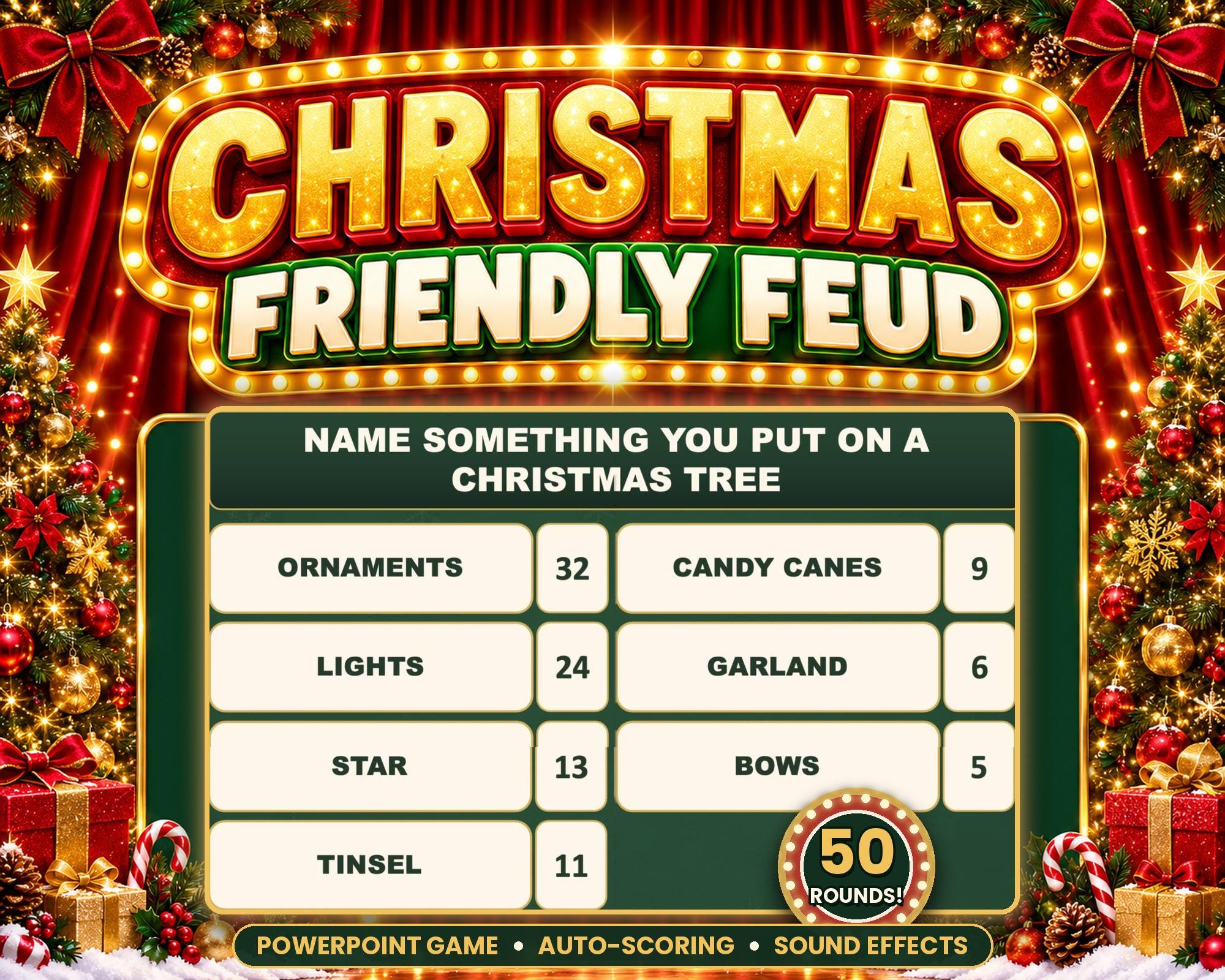
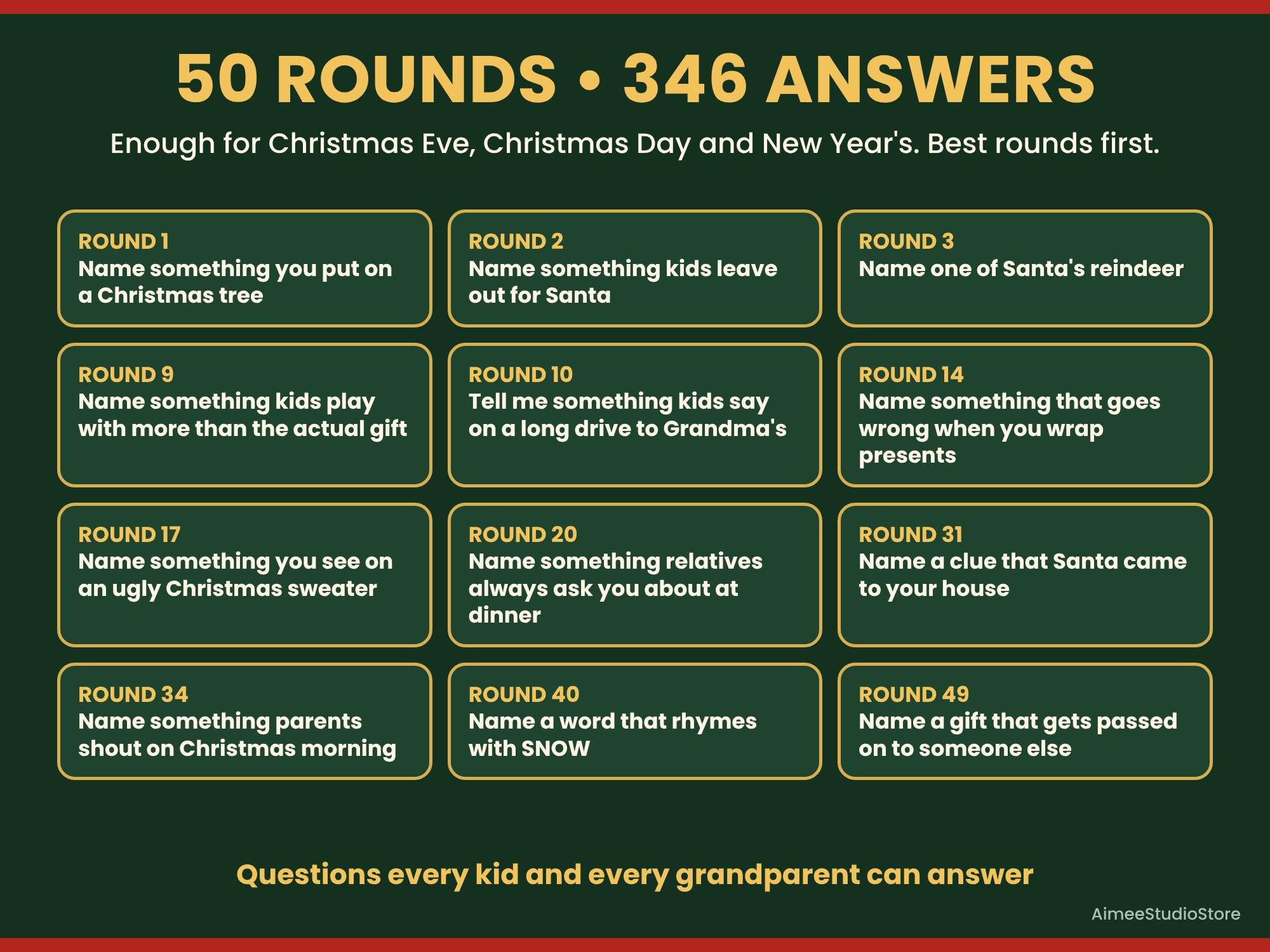
Christmas Friendly Feud is a ready-to-play family game show for PowerPoint: 50 Christmas rounds, sounds, strikes and automatic scoring, so the whole family plays and the host just clicks.
- Rounds50
- PlayersAny number, two teams
- Ages8 to grandparents
- Runs inPowerPoint desktop
Check before you buy
Works with
- Microsoft PowerPoint desktop app on a Mac or Windows computer (Microsoft 365, 2019 or newer)
- Macros turned on; setup takes about 5 minutes and the Host Guide shows every click
- 16:9 widescreen for a TV, projector or laptop
Does not work in
- PowerPoint Online
- Google Slides
- Keynote
- Phones, tablets and Chromebooks
Work or school computers sometimes block macros. Open and test it a day before your party on the computer you will use. No computer? The bonus Printable Edition plays the same 50 rounds on paper.
The story
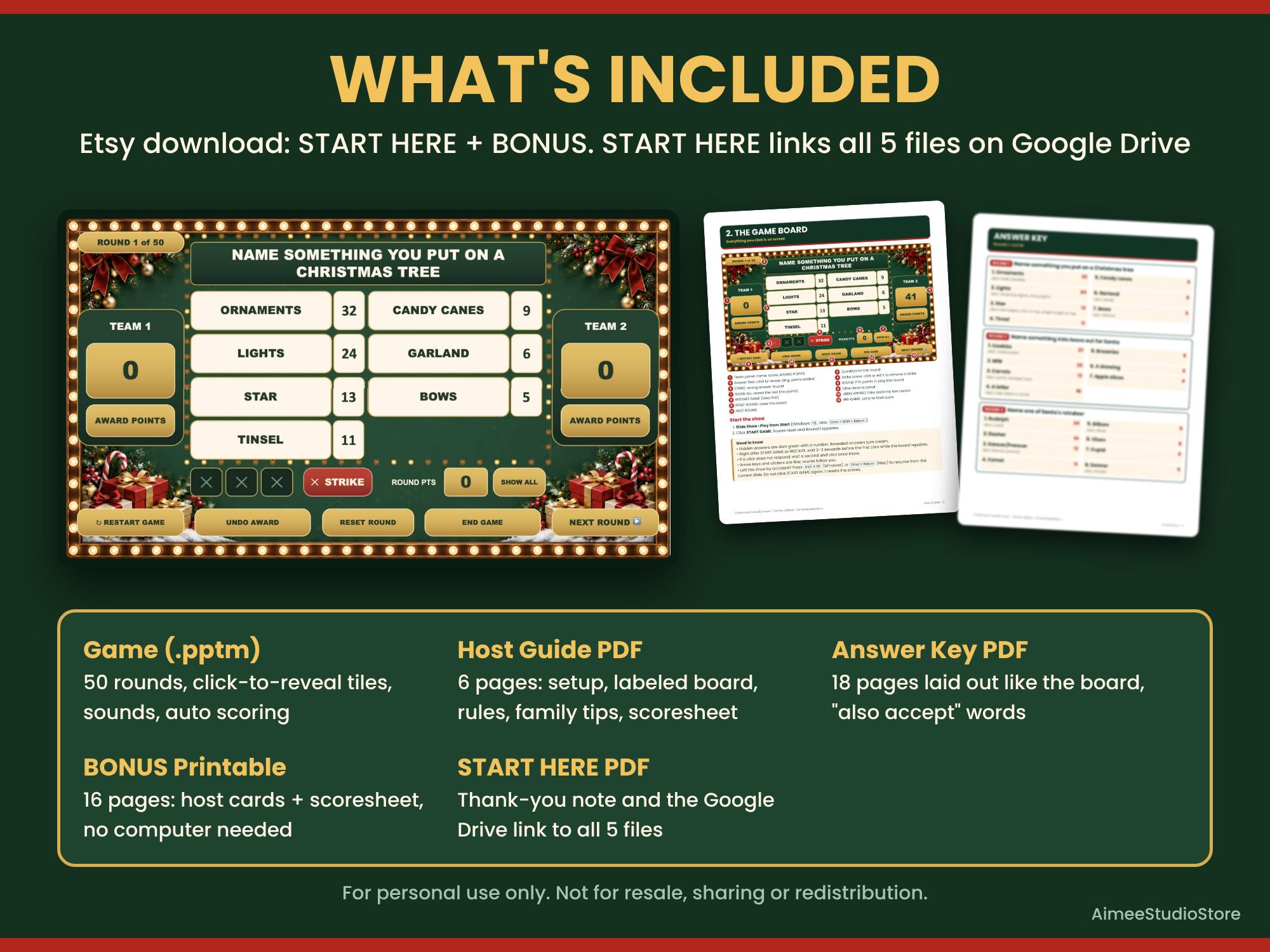
"Name something you put on a Christmas tree!" Grandpa yells ORNAMENTS, the kids yell LIGHTS, the tile flips with a ding and the points land on the scoreboard by themselves.
How a round goes
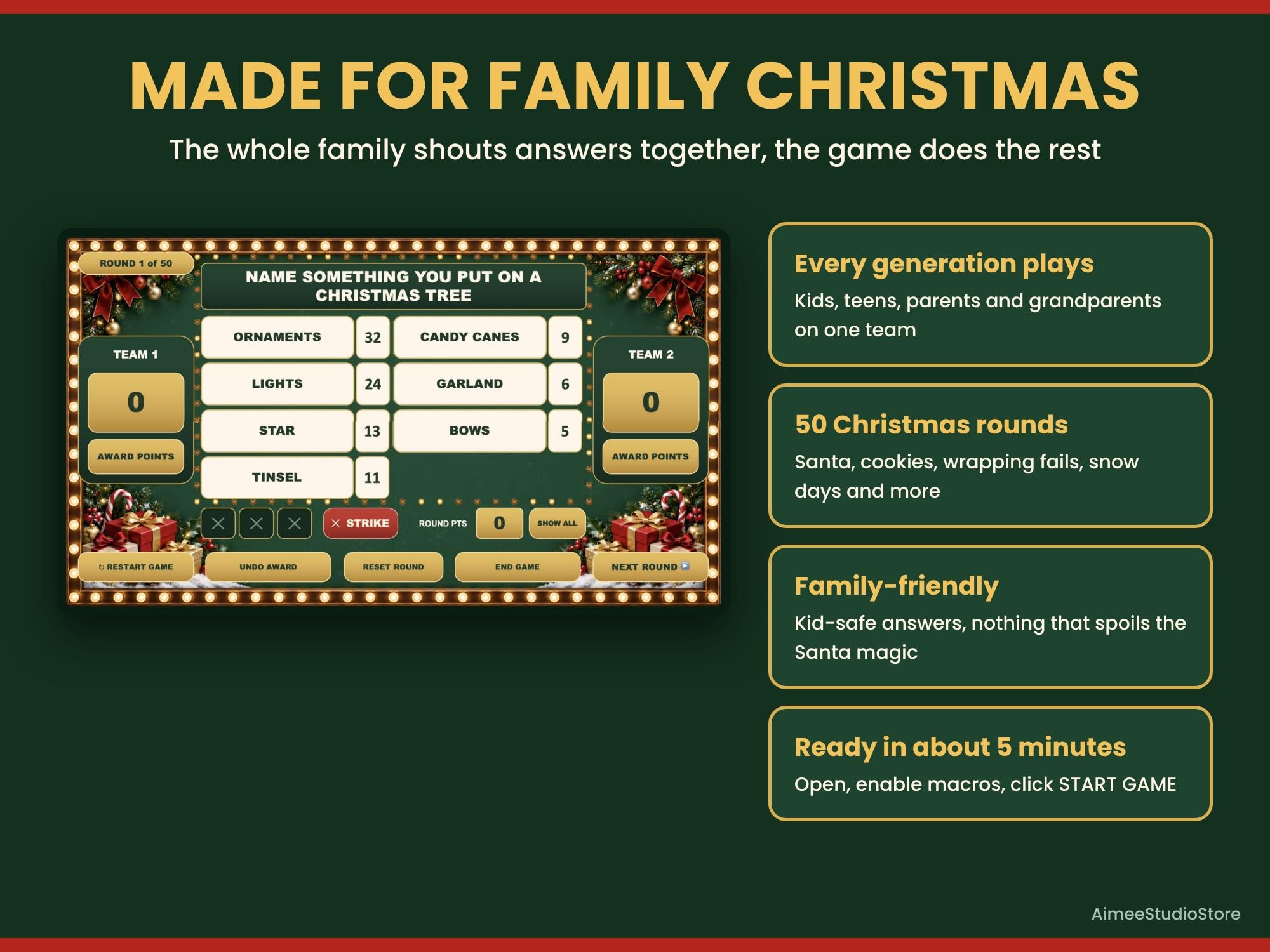
Every round is written so an 8-year-old and a grandparent can both shout an answer.
- Read the question on screen; one player from each team races to answer
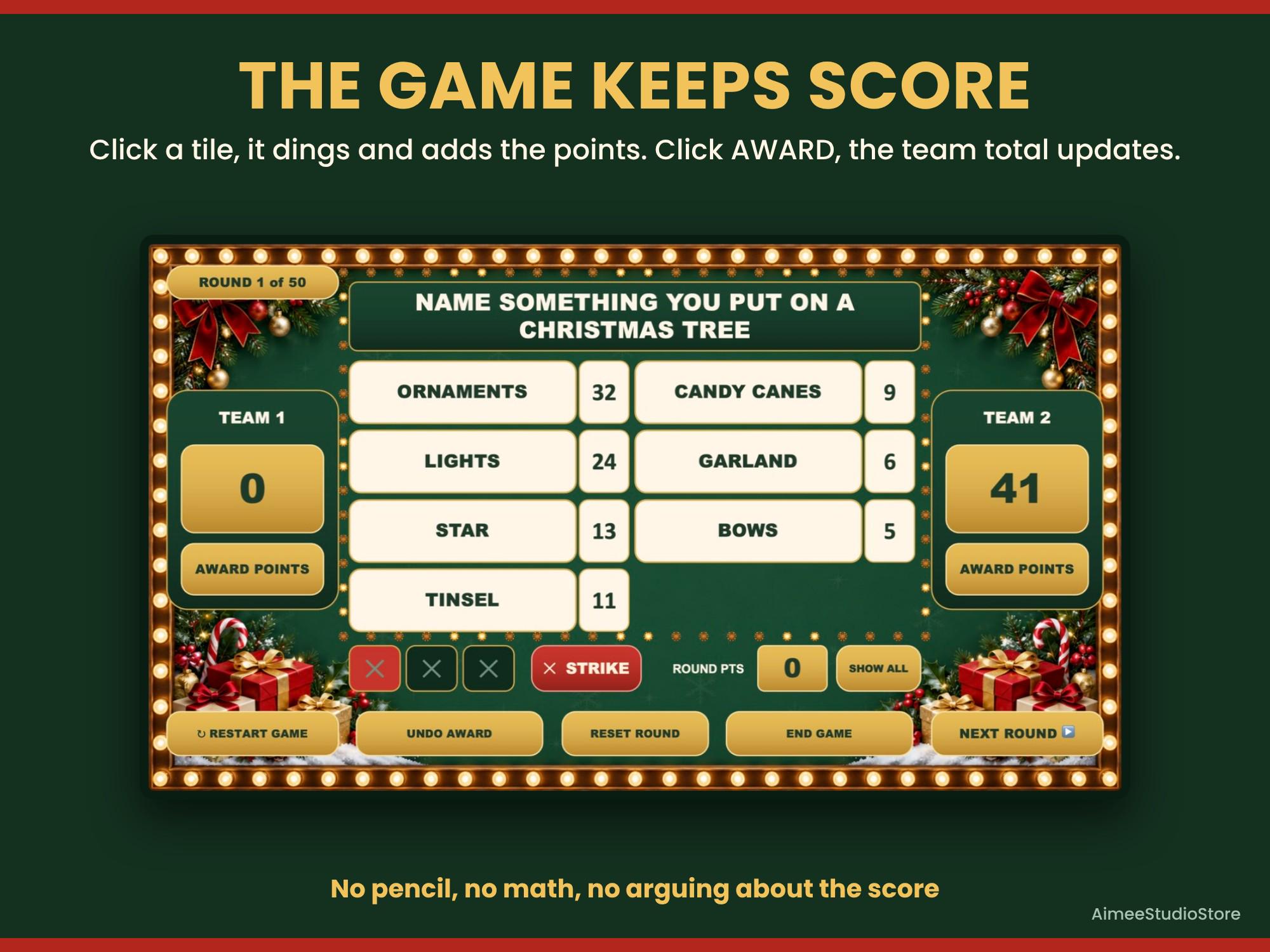
- Click an answer tile: it flips with a ding and the points add up
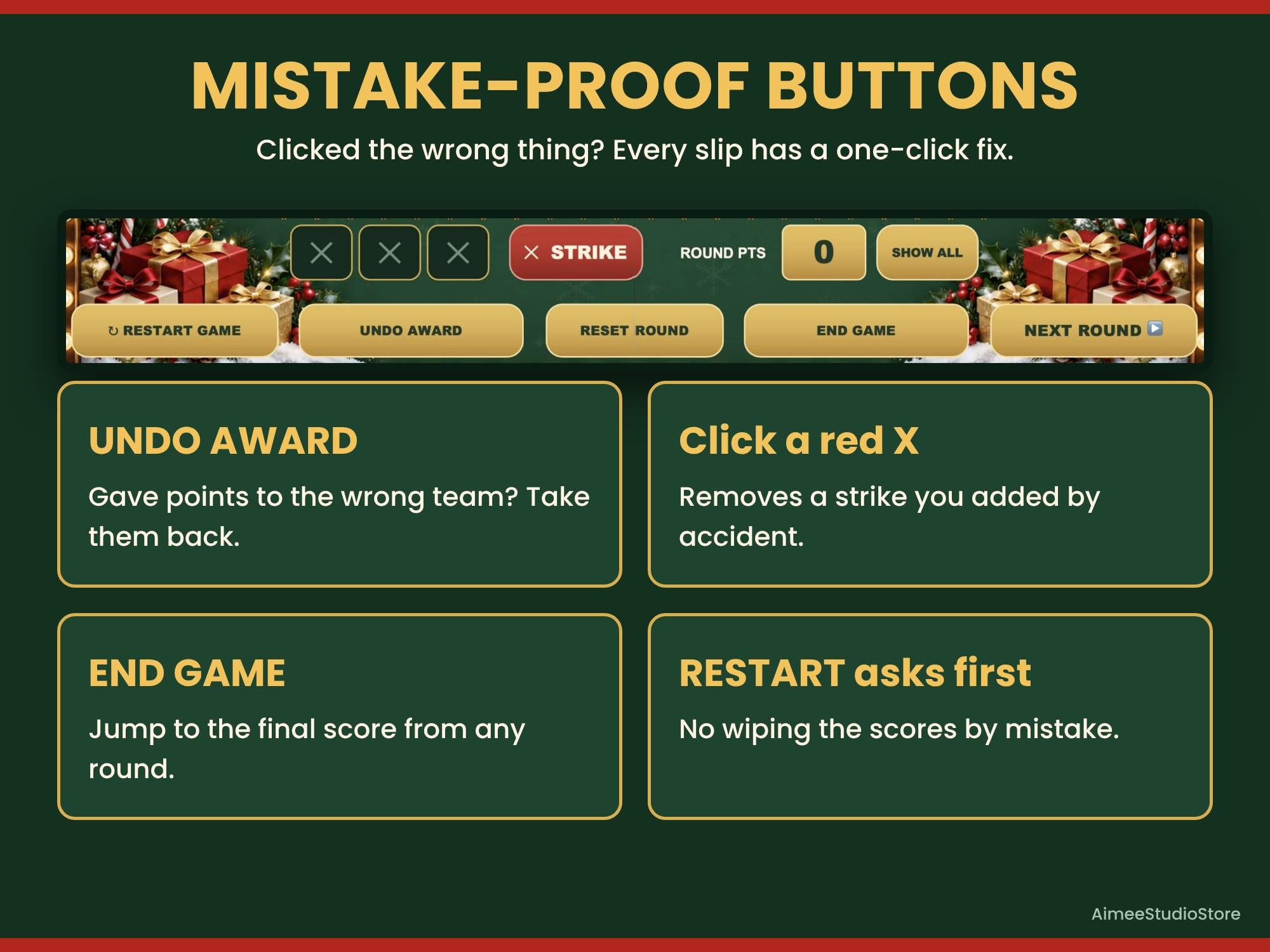
- Wrong answer? Click STRIKE; three strikes and the other team can steal
- Click AWARD POINTS and the score updates on every slide
- Undo Award, remove a strike, Reset Round or Show All when you need to
What's included
- ChristmasFriendlyFeudGame.pptm: 50 rounds, 346 answers
- Host Guide PDF: Mac and Windows setup, labeled board, rules, troubleshooting, scoresheet
- Answer Key PDF with every answer, point value and "also accept" words
- BONUS Printable Edition: the same 50 rounds as print-and-play host cards, scoresheet and strike signs
- START HERE PDF with the download link for all files
Details
- Format
- Etsy download: 2 PDFs; the game and guides arrive through the START HERE link
- Requirements
- PowerPoint desktop app (Mac or Windows, Microsoft 365 or 2019+) with macros on
- Target age
- 8 to grandparents
- Group size
- Any number of players in two teams
- Setup time
- About 5 minutes
- Editable
- Team names, questions, answers and point values; skip or reorder rounds
How it works
- Buy. Check out on Etsy. Payment and the download are handled by Etsy.
- Test. Download on a Mac or Windows computer, open the game in the PowerPoint desktop app with macros on, and test it a day before.
- Play. Connect the computer to a TV or projector, split into two teams, and click to reveal answers.
Questions
Does it work in Google Slides or PowerPoint Online?
No. It needs the PowerPoint desktop app on a Mac or Windows computer with macros turned on.
Can we play without a computer?
Yes. The bonus Printable Edition has the same 50 rounds as print-and-play host cards.
Can family join over Zoom or Teams?
Yes. Share your screen with sound.
Is it family-friendly?
Yes. Every round is written for kids and grown-ups together.
Can I change the questions?
Yes. Change any question, answer or point value in PowerPoint's editing view, and skip or reorder rounds.
What if a file won't open?
Digital files can't be returned, but if a file won't open or isn't as described, message us on Etsy and we will send a working file or refund you. See the refund policy.
Pair it with
Christmas Friendly Feud
- Rounds50
- PlayersAny number, two teams
- Ages8 to grandparents
- Runs inPowerPoint desktop
$14.99
Buy on EtsyPrices in US dollars, as listed on Etsy, where checkout takes place. Etsy shows the final price, including any sale, at checkout.